Contactless Payment QR Codes: A Complete Overview
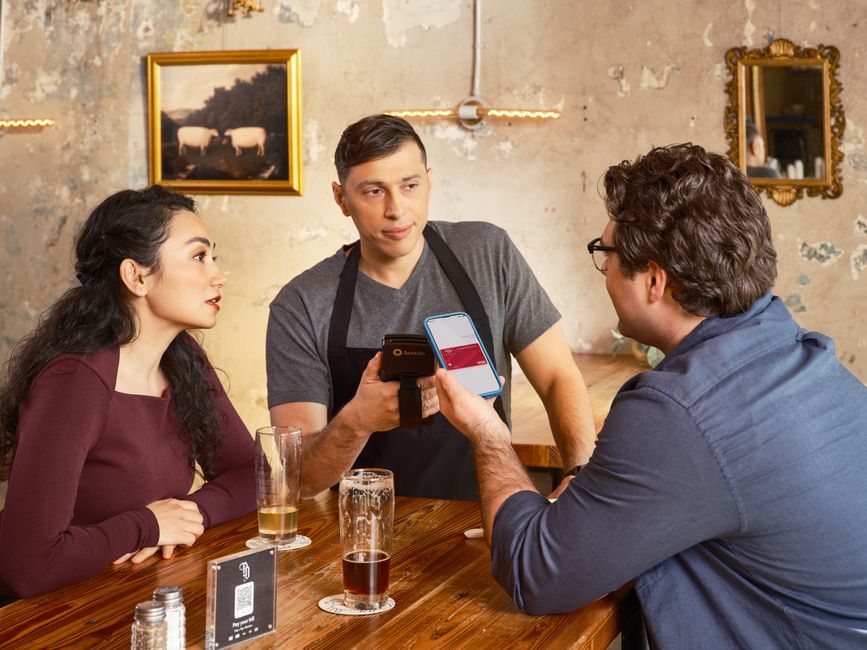
Cash is awkward, card terminals are expensive, and asking customers to type a long payment link into a tiny keyboard kills the sale before it happens. A contactless payment QR code fixes all three problems at once. Your customer points a phone camera at a small square, taps the link, and pays in seconds. No app to download, no hardware to rent, no fumbling for change. Whether you run a coffee cart, a market stall, a salon, or a freelance business, a payment QR code turns any printed surface into a checkout. This guide explains exactly what these codes are, why they work so well, and how to build one for free in a few minutes.
What a contactless payment QR code is and who needs one
A contactless payment QR code is a scannable square that points to a payment page, such as a PayPal.Me link, a Stripe checkout, or your own invoice page. The customer scans it, their phone opens the link, and they complete the payment in their familiar banking or wallet app. Nothing physical is exchanged and no card reader is required.
This is a perfect fit for anyone who takes payments away from a fixed register. Food trucks and pop-up vendors avoid carrying a card machine. Tradespeople and freelancers get paid on the spot instead of chasing invoices. Tutors, hairdressers, and market sellers display one small sticker and let customers pay at their own pace. If you can print a sticker or show a screen, you can accept contactless payments.
Why Qribly is the best way to build one
Most free QR generators create a static image. The web link is baked permanently into the pattern, so if your payment account changes, the printed code is dead. Qribly takes a smarter approach with dynamic QR codes, and it is completely free.
- Editable after printing. Your contactless payment QR code points to a short Qribly link that you control. Switch from PayPal to Stripe, fix a typo, or update an amount, and every printed sticker instantly points to the new destination. No reprinting, ever. If you are weighing the two formats, this breakdown of dynamic versus static QR codes shows why dynamic wins for payments.
- Real-time scan analytics. See how many people scanned, when, and roughly where. You learn which table tent, flyer, or counter actually drives payments instead of guessing.
- Logo and brand colors. Add your logo and brand palette so the code looks trustworthy, not like spam. People pay faster when a code clearly belongs to your business.
- Free for everyone. Dynamic codes, editing, customization, and analytics cost nothing. There is no trial clock and no locked features.
How to set it up
- Set up your payment link first, for example a PayPal.Me page or a Stripe payment link.
- Go to the Qribly contactless payment QR code generator and choose the payment or URL type.
- Paste your payment link as the destination.
- Add your logo and brand colors so customers recognize your business at a glance.
- Download the code as a high-resolution PNG or SVG for crisp printing at any size.
- Print it on a sticker, table tent, receipt, or sign, and place it where customers pay.
- Watch scans roll in from your dashboard, and edit the destination anytime without reprinting.
Where to place your payment code
- On the counter or register as a small standing sign customers can scan while you bag their order.
- On table tents in cafes and restaurants so guests pay without waiting for the check.
- On printed invoices and quotes so clients pay the moment they read the total.
- On product packaging or shipping inserts for quick reorders and tips.
- On market stall banners and food truck windows where queues move fast.
- On business cards and flyers so prospects can send a deposit immediately.
- On a phone or tablet screen when you are working on the move.
Frequently Asked Questions
Do customers need a special app to pay?
No. They scan the code with the built-in camera on any modern phone, the payment link opens, and they pay inside the wallet or banking app they already use. There is nothing for them to install.
Can I change where the payment QR code points after I print it?
Yes, and this is the biggest advantage of a dynamic code. Because the code points to a Qribly link you control, you can swap the payment destination at any time and every printed copy updates instantly. Static codes cannot do this.
How do I know if the code is actually working?
Qribly tracks every scan in real time. You can confirm the code is being used, compare placements, and spot your busiest times. For a deeper look at the numbers, see this guide on tracking QR code scans.
A contactless payment QR code is the fastest, cheapest way to get paid without hardware, and with Qribly it stays editable and measurable for free. Build yours in a couple of minutes, print it once, and never lose a sale to a clunky checkout again. Create your free contactless payment QR code at the Qribly payment QR generator and start accepting payments today.