How to Create a QR Code for a Restaurant Menu (Free Guide, 2026)
What Is a Restaurant Menu QR Code?
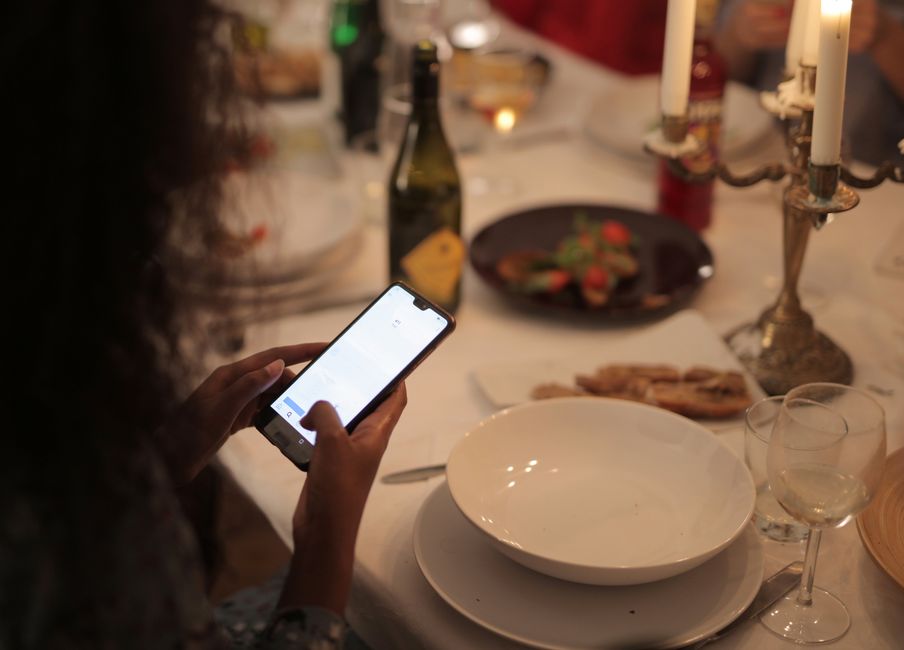
A restaurant menu QR code is a scannable code that opens your menu on a customer's phone — no app and no typing. Guests point their camera at the code on the table, tap the link, and your full menu loads instantly. It replaces printed menus with a touch-free, always-up-to-date digital version.
Why Restaurants Are Switching to QR Code Menus
- Update prices and dishes instantly — change your menu once and every printed code reflects it. No reprinting.
- Cut printing costs — a single code replaces stacks of laminated menus.
- Stay hygienic — contactless ordering that customers increasingly expect.
- Track engagement — a dynamic QR code shows how many people scanned, when, and where.
- Do more than a menu — link to online ordering, reservations, reviews, or a loyalty program.
Static vs Dynamic QR Codes: Which Should a Restaurant Use?
A static QR code encodes a fixed link that can never be changed. If your menu URL changes, the code is dead and you have to reprint it.
A dynamic QR code points to a short redirect link you control. You can change the destination, update the menu, and view scan analytics — all without reprinting. For restaurants, dynamic is almost always the right choice, because menus and prices change often.
How to Create a QR Code for Your Restaurant Menu (Step by Step)
- Choose your menu destination — a PDF, a page on your site, or a hosted digital menu. With Qribly's restaurant menu QR code, you can build the menu directly, with no separate website needed.
- Create a dynamic QR code so you can edit the menu later without reprinting.
- Add your content — dishes, sections, prices, photos, and allergens.
- Customize the design — add your logo, brand colors, and a frame with a "Scan for Menu" call to action.
- Download in high resolution (SVG or PNG) for print, or a smaller PNG for screens.
- Test it on two or three different phones before you print.
Design and Placement Tips That Actually Get Scans
- Keep the code at least 2 x 2 cm (0.8 in) on table tents, and larger on posters.
- Add a short instruction such as "Point your camera here to see our menu."
- Keep strong contrast: a dark code on a light background.
- Place one code per table, plus one at the entrance and on the bill.
- Never stretch or over-recolor the code — always re-test after any design change.
Frequently Asked Questions
Are QR code menus free to make? You can generate a basic menu QR code for free. Dynamic codes with analytics and editable menus are part of paid plans, but the code itself never expires while your account is active.
Do customers need an app to scan it? No. Every modern iPhone and Android scans QR codes straight from the built-in camera.
Can I change the menu after printing the code? Only with a dynamic QR code. Update the menu in your dashboard and the same printed code shows the new version instantly.
Ready to Create Your Menu QR Code?
Build a branded, editable restaurant menu QR code in minutes with Qribly. Create your restaurant menu QR code today.