QR Code Frames and Calls to Action That Get Scans
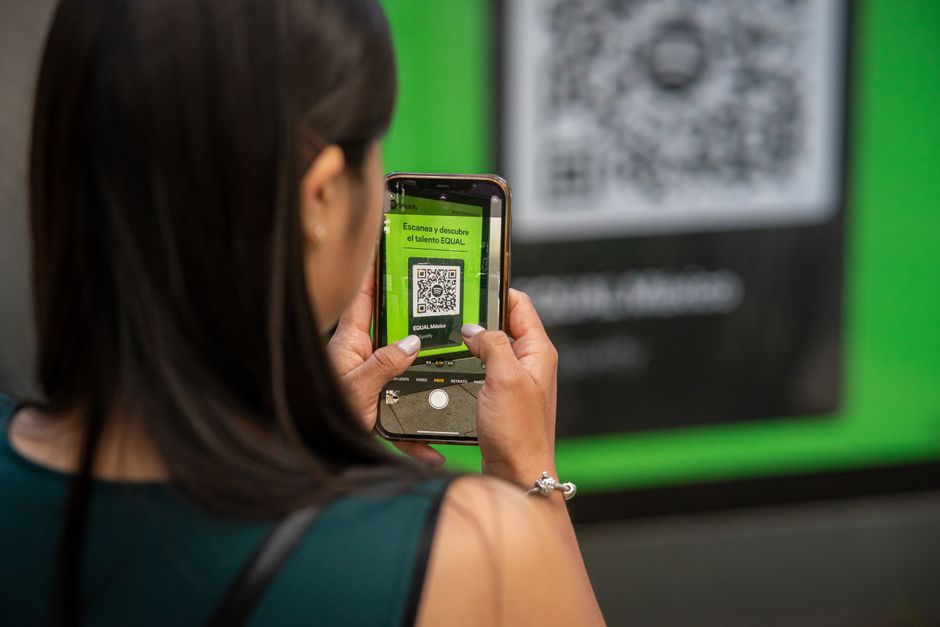
You printed a perfect QR code on your flyer, your menu, or your shop window, and almost nobody scanned it. The code worked fine. The problem was that a bare black-and-white square tells people nothing. It does not say what they get, why they should care, or what to do. A strong QR code call to action fixes that in seconds by wrapping the code in a frame, a short instruction, and a promise worth scanning for. Get this right and your scan rate can climb from a trickle to a steady stream.
What a QR code call to action actually is
A call to action is the short prompt that turns a passive square into an invitation. It is the difference between a naked code and one that says "Scan to see today's menu" or "Scan for 15% off." Pair that line with a frame, an arrow, or a "Scan me" badge and you give people three things at once: a reason, a direction, and permission to act. Anyone who relies on QR codes to bridge print and digital needs this, restaurants, retailers, event organizers, real estate agents, product packaging teams, and marketers running posters or direct mail.
The reason it matters is simple. People scan when the value is obvious and the effort feels low. A frame draws the eye, the call to action answers "what's in it for me," and the result is more scans from the exact same placement.
Why Qribly is the best choice
A great call to action only pays off if the code behind it is flexible, and that is where Qribly stands out. Qribly codes are dynamic, which means you can edit the destination after the code is printed. If your offer changes from 15% off to a new seasonal menu, you update the link, not the poster. Static codes lock you in forever; dynamic codes adapt.
You also get real-time scan analytics, so you can see exactly how many people scanned, when, and where. That lets you test different calls to action and prove which framing wins. Add your logo and brand colors so the code looks like part of your design instead of a random sticker, and it stays trustworthy and on-brand. Best of all, Qribly is free for everyone, with no trial clock and no paywall on the features that matter. If you are still weighing your options, this guide on dynamic vs static QR codes makes the case clear.
How to set it up
- Go to the Qribly QR code generator and choose the type you need, such as a URL, menu, or landing page.
- Paste your destination link and create the dynamic code so you can edit it later.
- Add your logo and switch the colors to match your brand.
- Pick a frame and type your call to action into it, for example "Scan to book" or "Scan for the deal."
- Keep the line short, action-first, and benefit-led so the value is obvious at a glance.
- Download a high-resolution file, place it in your design, and print or publish it.
- Watch the analytics dashboard and swap the destination or the wording if scans are low.
High-impact placements and use cases
- Restaurant table tents and menus with "Scan to order" or "Scan to view allergens."
- Retail shelf talkers and shop windows offering "Scan for today's discount."
- Event posters and badges linking to schedules, maps, or speaker bios.
- Product packaging with "Scan for setup help" or "Scan to register your warranty."
- Real estate signs and flyers pointing to virtual tours and listing details.
- Business cards and email signatures that say "Scan to connect."
- Receipts and table cards with "Scan to leave a review" to collect feedback fast.
Frequently Asked Questions
Does adding a frame and call to action really increase scans?
Yes. A frame guides the eye and a clear instruction removes hesitation, so the same code in the same spot gets noticeably more scans than a bare square with no context.
Can I change my call to action after printing?
You cannot change the printed text, but with a dynamic Qribly code you can change where the scan leads at any time. That means a "Scan for the deal" frame can point to a new offer next month without reprinting.
Will a logo or colored frame stop the code from scanning?
Not if it is done correctly. Qribly keeps enough contrast and error correction to stay reliable, and you can confirm details in this guide on adding a logo without breaking the scan.
A QR code call to action is the cheapest upgrade you can make to any print campaign, and it costs nothing to try. Build a dynamic, branded, trackable code with a frame that actually invites scans using the free Qribly QR code generator, then watch the scans roll in and adjust as you learn.