QR Codes for Parking and Permits: A Practical Guide
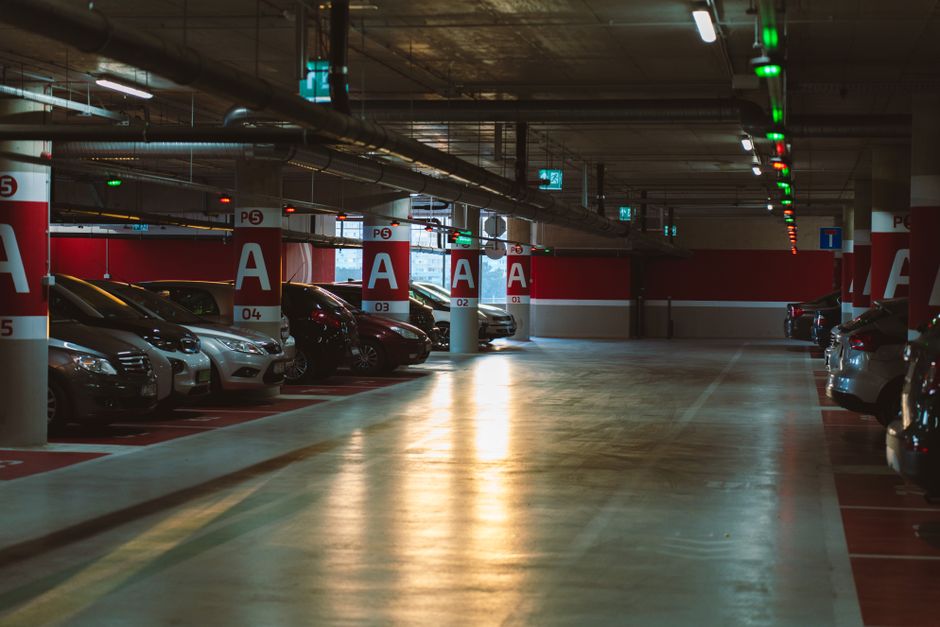
A reprinted parking sign is one of the most expensive small mistakes a property manager can make. Rates change, the payment vendor switches, a permit portal moves to a new URL, and suddenly every printed sign in the garage points drivers to a dead link. A parking QR code fixes this in seconds instead of weeks. Print it once, then update where it points whenever your rules, pricing, or permit system change. Drivers scan, pay, or register from their phone, and you never reprint a single sign.
Why parking and permit operations need a parking QR code
Parking is full of moving parts: hourly rates, monthly passes, resident permits, contractor access, EV charging bays, and visitor validation. Every one of those used to require its own sign, flyer, or paper form. A QR code collapses all of that into a scannable square that drivers already know how to use.
The audience here is broad. HOA boards managing resident permits, office facilities teams handling staff and visitor parking, retail centers running validation, event venues directing overflow lots, and municipal operators collecting meter payments all share the same problem. They need a sign that points somewhere, and that destination changes far more often than the sign does. A static printed link cannot keep up. A dynamic QR code can.
Why Qribly is the best choice for parking signage
Most parking QR code needs come down to one thing: the destination has to change without reprinting. That is exactly what Qribly does best.
- Dynamic and editable after printing. Point a single code at your payment page today, redirect it to a new permit portal next quarter, and the sticker on the wall never changes. If you are still deciding between fixed and editable codes, our guide on dynamic vs static QR codes breaks down exactly when each one makes sense.
- Real-time scan analytics. See how many drivers scan each entrance, which lot gets the most traffic, and what time of day demand peaks. That data tells you where to add signage and where a code is being ignored.
- Logo and brand colors. Match the code to your property branding so it looks intentional, not like a random sticker. Drivers trust a code that clearly belongs to the operator.
- Free for everyone. Generate, customize, and track unlimited codes at no cost. No per-scan fees, no surprise upgrade wall when you scale from one lot to fifty.
That combination, editable destinations plus live data plus branding, is what turns a printed sign into a flexible system you actually control.
How to set it up
- Open the Qribly QR code generator and choose a URL code type.
- Paste the destination link: your payment page, permit registration form, or visitor validation portal.
- Add your logo and switch the colors to match your property or company branding.
- Download the code in high resolution so it stays crisp when printed large for garage entrances and gate posts.
- Print and mount it on signs, meters, and entry points, then update the destination from your dashboard anytime the rules change.
Where to place your parking QR code
- Entrance and exit gate posts, where drivers decide how to pay before they park
- Individual meter and bay numbers, linking directly to that spot's payment screen
- Resident and staff permit application sheets handed out at move-in or onboarding
- Visitor parking signs that lead to a self-service registration or validation form
- EV charging stations, pointing to session start and billing
- Reception desks and elevators for office buildings validating guest parking
- Event overflow lots, with a code that redirects to live directions on busy days
Frequently Asked Questions
Can I change the payment link after the signs are already printed?
Yes. That is the core advantage of a dynamic parking QR code. The printed code stays the same while you update its destination from your Qribly dashboard. Switch payment vendors, update rates, or move to a new permit portal without reprinting anything.
How do I know if drivers are actually scanning the code?
Qribly tracks every scan in real time. You can see total scans, trends over time, and which locations perform best. If you want to go deeper into reading that data, our QR code analytics guide walks through it step by step.
Will the code still scan if I add my logo and brand colors?
Yes, as long as you keep enough contrast and do not cover the corner markers. Qribly is built to keep codes reliable while branded, so they scan fast even on a dim garage wall.
Get started today
Whether you run a single resident lot or a multi-site parking operation, a parking QR code removes the cost and delay of reprinting signs every time something changes. Build yours in a couple of minutes, add your branding, and start tracking scans from day one. Open the Qribly QR code generator and create your first code for free.