QR Codes on T-Shirts and Merch: The Complete Guide
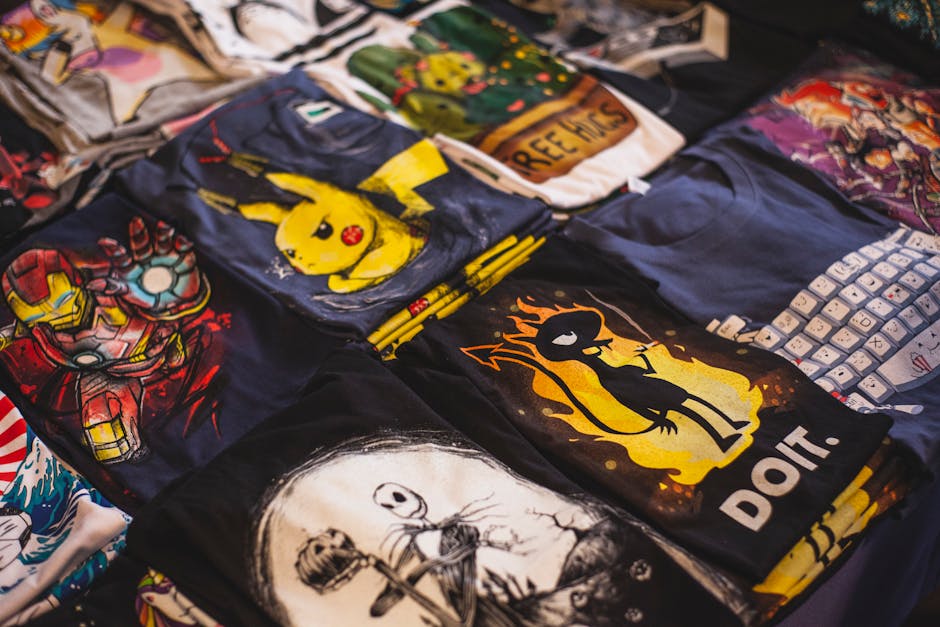
Your merch already travels everywhere your fans go, but right now it is a dead end. Someone loves the design, wants to find your music or your store, and has no way to get there from the fabric on their chest. A t-shirt QR code fixes that. It turns every shirt, hoodie, and tote into a tappable link that sends curious strangers straight to whatever you want them to see. Print it once, point it anywhere, and change the destination later without reprinting a single garment.
What a t-shirt QR code actually does
A QR code on apparel is a small scannable square, usually printed on the chest, sleeve, or back, that opens a URL when someone points their phone camera at it. That URL can be your Spotify profile, your online shop, an Instagram page, a campaign landing page, a tour schedule, or a hidden video. The shirt becomes a billboard that any passerby can act on in two seconds.
This matters for a specific kind of seller. Independent musicians sell merch to fund tours and want listeners. Streetwear brands want to drive traffic from drops to the next release. Event organizers, charities, content creators, and small businesses all hand out apparel hoping it builds an audience. The shirt does the advertising. The code closes the loop.
Why Qribly is the best choice for merch
Printing on fabric is permanent, and that is exactly where most QR tools fail you. Qribly codes are dynamic, which means the printed pattern never changes but the destination can. Drop a new album next month? Repoint the same shirts from your old single to the new release. Migrate your store to a new platform? Update the link and every garment already in the world keeps working. If you are weighing your options, our guide on dynamic versus static QR codes explains why static codes are a trap for anything you print.
Qribly also gives you real-time scan analytics. You can see how many people scanned, when, and roughly where, so you finally know which designs and which events actually move people. You can match the code to your brand with your logo in the center and your own colors, so it looks intentional instead of like a sticker someone slapped on. And all of this is genuinely free, with no per-scan fees and no expiring trials that quietly kill your shirts later.
How to set it up
- Go to the Qribly QR code generator and choose a URL code.
- Paste the destination link: your store, your music, your socials, or a landing page.
- Add your logo and switch the code colors to match your brand palette.
- Test the scan on your own phone, then download a high-resolution PNG or SVG.
- Hand the file to your print shop and ask for vector or 300 DPI placement so the pattern stays crisp on fabric.
- After launch, open your Qribly dashboard to watch scans roll in and repoint the link whenever your campaign shifts.
Concrete placements and use cases
- Band and artist merch linking the shirt to Spotify, a new single, or a tour ticket page.
- Streetwear drops where a sleeve code unlocks the next limited release or a members-only page.
- Event and festival tees pointing to the schedule, map, or post-event photo gallery.
- Charity and cause apparel sending wearers to a donation page or volunteer signup.
- Small business uniforms that link customers to your menu, booking page, or Google review form.
- Tote bags and caps carrying a code to your portfolio, newsletter, or social profiles.
- Promotional giveaway shirts routed to a discount code or product launch page.
Frequently Asked Questions
Will a QR code survive washing and stretching? Yes, if it is printed well. Use a quality screen print or DTG process, place it on a flat panel like the chest or upper back rather than a high-stretch seam, and keep generous quiet space around the square. Qribly codes also carry error correction, so minor wear and fading still scan reliably.
How big should the code be on a shirt? Aim for at least 1.5 to 2 inches across for a chest or sleeve placement that people scan up close. A back print meant to be scanned from a few feet away should be larger. The rule is simple: bigger and higher-contrast always scans faster.
Can I add my logo without breaking the scan? Yes. Qribly keeps the code readable when you drop a logo in the center, and our walkthrough on adding a logo without breaking the scan covers the sizing and contrast details so it works every time.
Your merch is already out in the world doing nothing but looking good. Give it a job. Create a free dynamic t-shirt QR code with the Qribly generator, print it once, and keep full control of where every shirt sends people for as long as it exists.